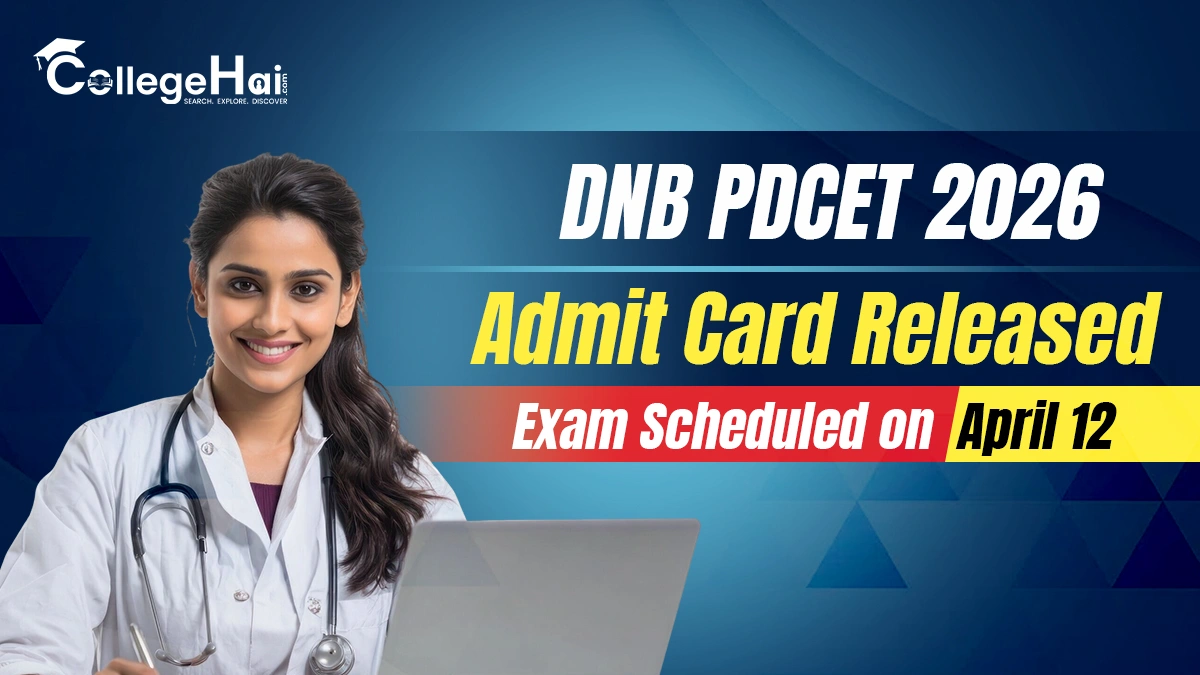
The National Board of Examinations in Medical Sciences (NBEMS) has released the admit cards for the DNB PDCET 2026 exam. The candidates who have registered for this entrance test can now download their admit cards by visiting the official NBEMS website.
The DNB PDCET (Post Diploma Centralised Entrance Test) is an important exam for the medical candidates who want to take admission into post-diploma DNB courses in India. Only those candidates who have successfully completed their application process can download their admit card.
The exam will be conducted on April 12, 2026. It will be held in an online (computer-based) mode at different exam centres across the country.
To download the admit card, candidates need to log in using their user ID and password. The admit card is a mandatory document, and the candidates must carry a printed copy of it to the exam centre. Those who will not be having admit card, they will not be allowed to appear for the exam.
Along with the admit card, candidates must also carry a valid photo ID proof. This can be an Aadhaar card, PAN card, voter ID, driving licence or passport.
The admit card will have important details such as the candidate’s name, roll number, date of birth, exam date & time and exam centre address details. All the candidates should carefully check all the details mentioned on it. If they find any mistake, they should immediately contact the concerned authorities.
Candidates are advised to download their admit cards early and read all the instructions carefully. They should reach the exam centre on time and follow all the rules given by the authorities.
The result of the DNB PDCET 2026 exam is expected to be announced by May 12, 2026. This exam will help candidates get admission into various DNB post-diploma courses offered by recognized institutions across India.
DNB PDCET 2026: Steps to Download Admit Card
The candidates who want to download their DNB PDCET 2026 admit card can follow the below mentioned simple steps.
Step 1: Visit the official website of the National Board of Examinations in Medical Sciences (NBEMS) at https://nbe.edu.in/.
Step 2: On the homepage, find and click on the link for “DNB PDCET 2026 Admit Card.”
Step 3: Click on the “Application Login” Option.
Step 4: Enter your User ID and Password carefully.
Step 5: Click on the “Login” button.
Step 6: Your admit card will appear on the screen.
Step 7: Review all the details mentioned on the admit card properly.
Step 8: Download the admit card and take a printout for the future use.
The candidates need to make sure that they must carry the printed copy of their admit card to the exam centre along with a valid photo ID proof. It is also advised to keep multiple copies of the admit card for safety.