The National Testing Agency (NTA) has officially released the admit card of the Common Management Admission Test (CMAT) on its official website on Tuesday, January 21, the exam for which is set to occur on January 26. Those candidates who have registered for the CMAT exam can now access and download their admit cards from the NTA CMAT website. To download the CMAT hall ticket, candidates need to input their login credentials, which include the application number and their date of birth.
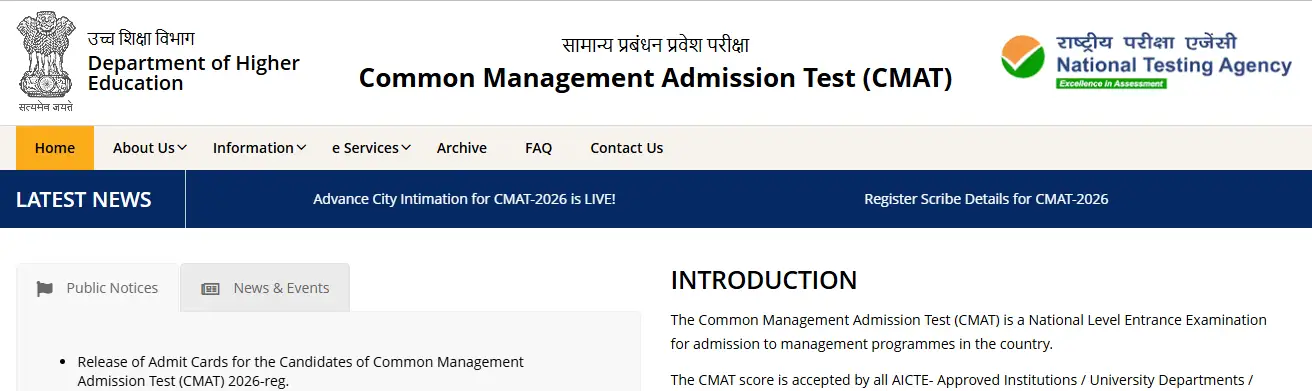
Step 1: Candidates have to visit the official website, cmat.nta.nic.in
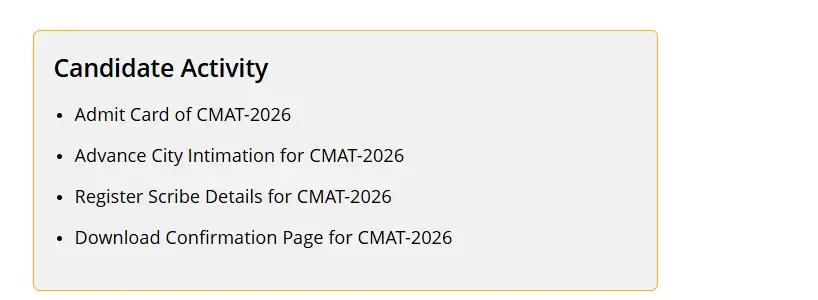
Step 2: Under the candidate activity section, click on the Admit Card of CMAT 2026 link.
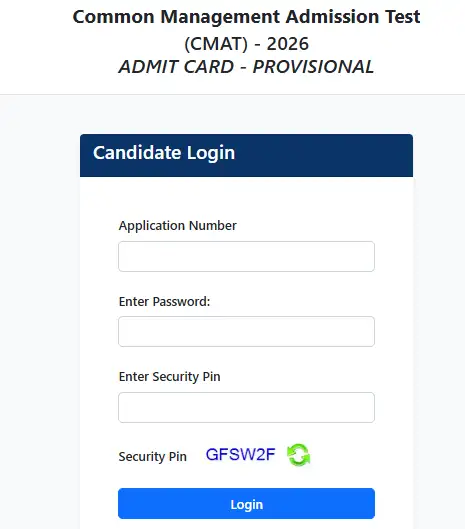
Step 3: Now, enter the application number, password, and security captcha to log in.
Step 4: The CMAT 2026 admit card will appear on the screen to download.
Step 5: Download and print out a copy of the admit card for future reference.
CMAT 2026: Exam Schedule and Timing
This national-level management entrance exam is conducted as a computer-based test (CBT), which is scheduled to be administered in a single shift from 9 am to 12 noon. The admit card contains the following details, including:
Candidate's name
Photograph
Application number
Exam date
Exam centre
Reporting time
Important instructions.
CMAT 2026: Exam Pattern
CMAT exam is conducted for admission in MBA and PGDM programs in various management colleges. The question paper of CMAT includes sections on Logical Reasoning, Language Comprehension, General Awareness, Quantitative Techniques and Data Interpretation, and Innovation and Entrepreneurship. The exam paper contains 100 questions carrying a total of 400 marks. Candidates are given four marks for each correct answer, while one mark is deducted for every wrong response.