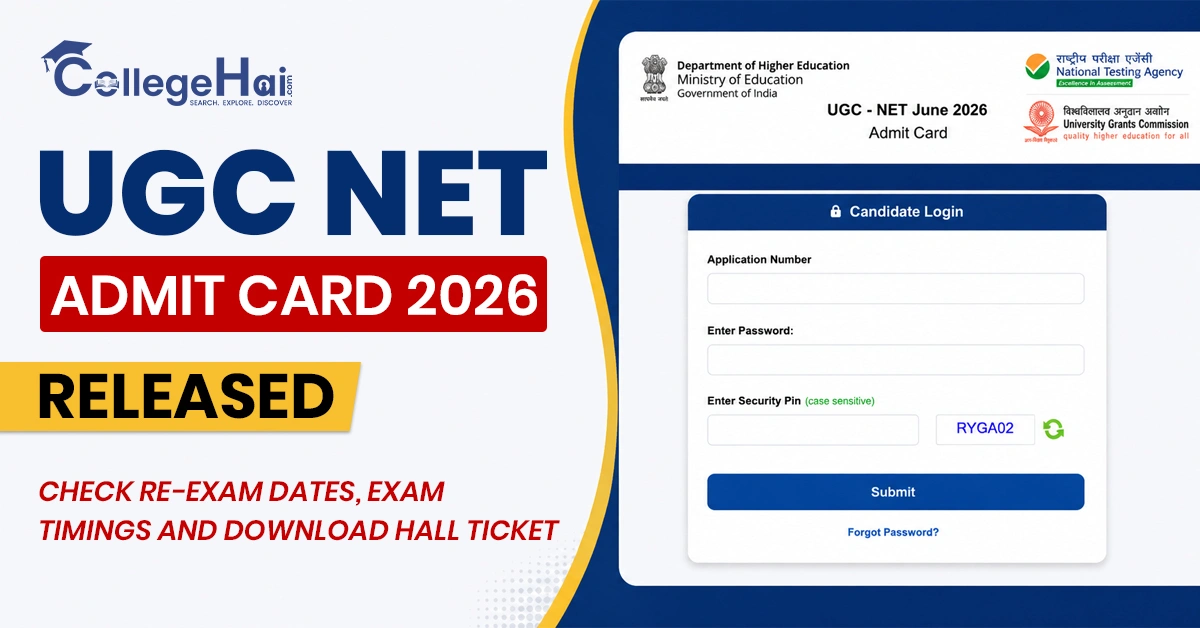
UGC NET re-exam admit card 2026: The National Testing Agency (NTA) has released the UGC NET June 2026 Admit Card for the candidates appearing in the UGC NET June 2026 re-examination. Candidates can download their UGC NET 2026 hall ticket online using their login credentials.
The UGC NET re-exam 2026 is scheduled for 9 and 10 September for the English, Commerce and Sociology papers. The candidates who are going to appear for the exam should carefully check their UGC NET exam date, shift timings, exam centre, reporting time and other details mentioned on the admit card. The UGC NET admit card is an essential and mandatory document that candidates must carry to the exam center. Those students who were awaiting the UGC NET September 2026 exam can now download their hall tickets and prepare according to the revised schedule.
UGC NET June 2026 Re-Exam Dates and Timings
Candidates appearing for the UGC NET June 2026 re-exam can check the paper-wise exam schedule below. The table lists the UGC NET exam date, subject and shift timing for the English, Commerce and Sociology papers. Candidates should carefully check the schedule and arrive at the exam centre on time.
Exam Date
Subject
Shift & Timing
September 9, 2026
English
Shift 1: 9:00 AM to 12:00 Noon
September 9, 2026
Commerce
Shift 2: 3:00 PM to 6:00 PM
September 10, 2026
Sociology
Shift 1: 9:00 AM to 12:00 Noon
How to Download UGC NET June 2026 Admit Card?
The UGC NET June 2026 re-exam admit card download direct link is now active on the UGC NET official website. They must follow the steps given below to download the UGC NET hall ticket.
Step 1: Visit the official UGC NET website at https://ugcnet.nta.nic.in/
Step 2: On the homepage, find and click on the “Admit Card for the UGC-NET June 2026 re-exam on 9th and 10th September 2026” link.
Step 3: Enter your application number and password in the given fields.
Step 4: Enter the security PIN and click on the submit button.
Step 5: Your UGC NET June 2026 admit card will appear on the screen.
Step 6: Check all details including your name, subject, exam date, shift, exam timing and examination centre.
Step 7: Download the admit card and take a clear printout to carry to the examination centre.
NTA Helpdesk for Queries related to UGC NET Admit Card 2026
In case any candidates find difficulty in downloading their UGC NET Admit Card or notice any error in the details mentioned on their hall ticket can contact the NTA for assistance. Candidates must report any discrepancy they find in their admit card as soon as possible to avoid issues on the exam day.
Candidates can contact the NTA Helpdesk for any help related to the UGC NET re-exam admit card at 011-40759000 or by emailing ugcnet@nta.ac.in. NTA has asked candidates to follow all the instructions for the UGC NET re-exam.