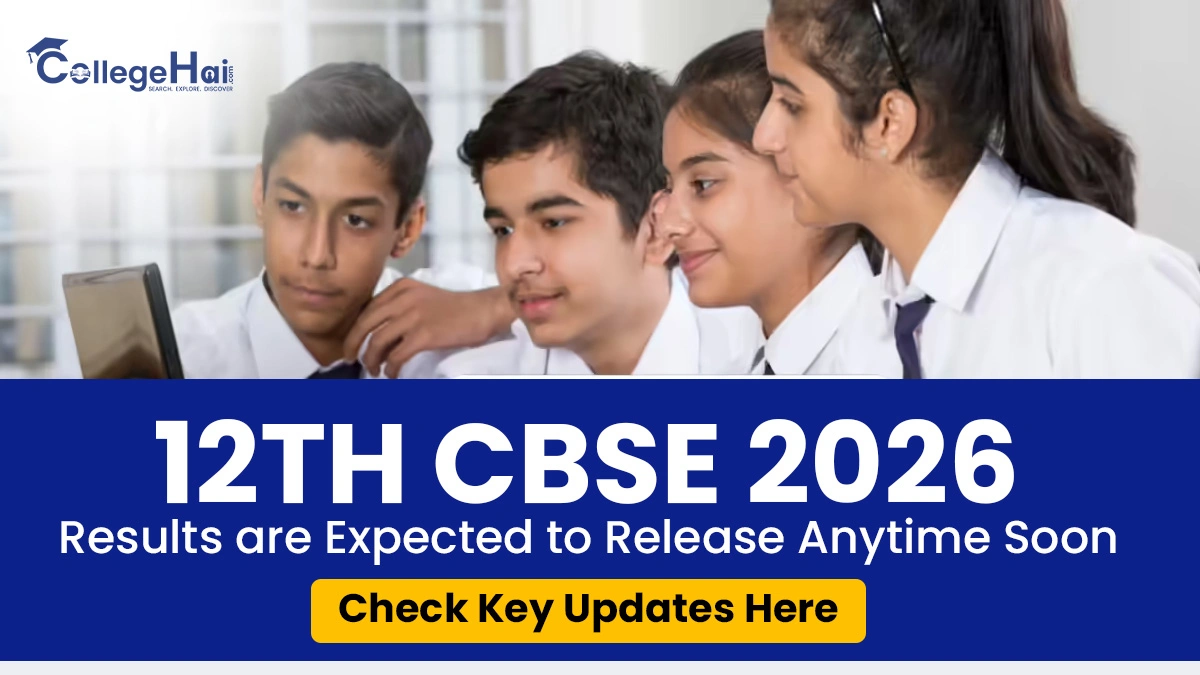
The Central Board of Secondary Education (CBSE) is currently in the limelight as the board is expected to release the class 12th result anytime now. The students who have given the examination this year are guided to visit the official website cbse.gov.in or cbseresults.nic.in to access the results once released. The students are required to log in to the portal using their credentials. The candidates can also access their results via Digilocker and the UMANG app.
In order to hold the passing certificate of class 12th, the students are required to secure atleast 30% marks in the individual subjects and overall as well. If the students fail to secure 33% aggregate marks in one or two subjects, then the individual has to appear in the compartment examination, and failing in more than two subjects will lead to disqualification, and the student will be required to reappear in the board examination of the next year.
As per the official database, approximately, 18 lakh students have appeared in the CBSE examination conducted from 17th February 2026 to 10th April 2026. In the previous year, the CBSE board has declared the results on 13th May 2025.
According to the official statement of the Controller of Examinations, Sanyam Bhardwaj, said that the the board has adopted the online evaluation system for the first time, and it is working fine. The process of evaluation is underway, and the candidates can expect the results anytime soon.
Where To Access the CBSE 12TH Results
The students who have appeared in the examination this year are guided to refer to the websites mentioned below to access their results:
results.cbse.nic.in, cbse.nic.in, cbseresuts.nic.in
Steps to Check the CBSE 12th Results
The students who have appeared in the board examination this year can follow the process below to access their results:
Step 1: The students are guided to visit the official website.
Step 2: Select the CBSE Class 12th Results 2026 option.
Step 3: Students are required to log in using their roll numbers, admit card details, and the school number.
Step 4: The class 12th result will be displayed on the screen.
Step 5: The students are guided to download the results and take a printout of the same for future reference.
Steps to Access the CBSE Results Via Digilocker
The students who have appeared in the examination can also check their results from the Digilocker by following the mentioned steps:
Step 1: The students are guided to open the Digiloacker App.
Step 2: In the education category, choose CBSE.
Step 3: Open the digiloavker CBSE result 2026 class 12th.
Step 4: The candidates are required to fill out the mandatory details.
Step 5: The students will be able to access the results.