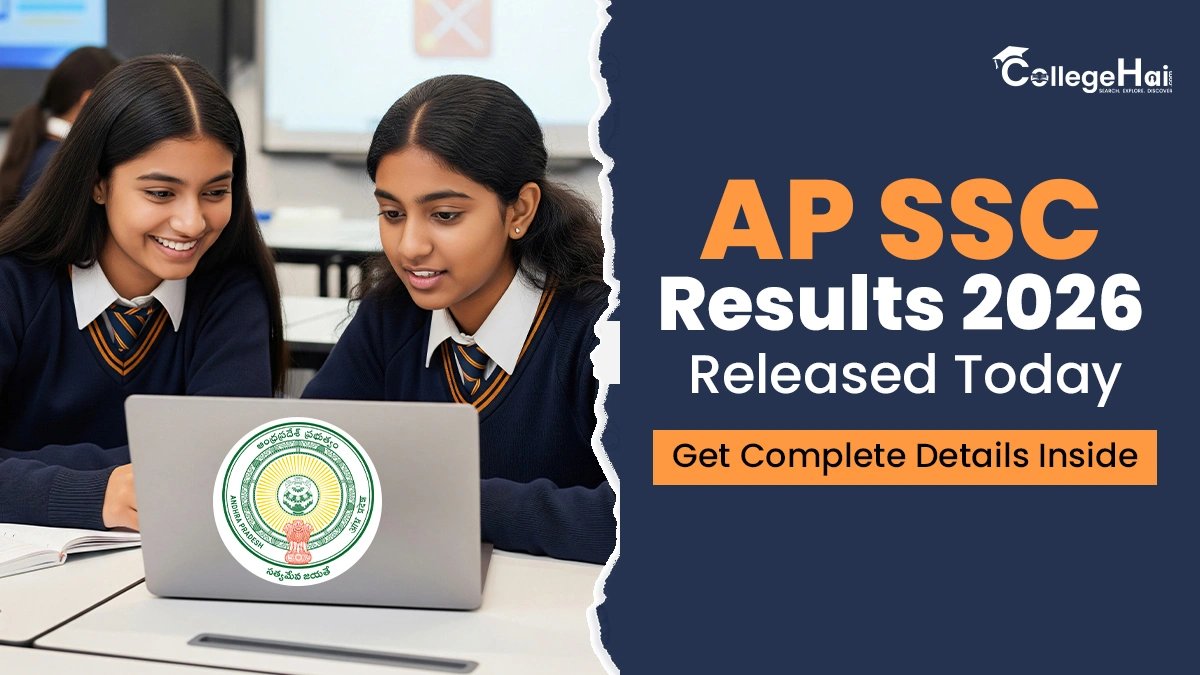
The Board of Secondary Education, Andhra Pradesh, has declared the class 10th results today. Students who have appeared for the 10th class exam can check their results on the official website after the official announcement. Students can either visit websites such as bse.ap.gov.in or results.bse.ap.gov.in to download their results. In addition to this, students can also check their results through SMS, Mobile App, WhatsApp, and the Digilocker website or App.
This year, the pass percentage has risen to 85.25% as compared to last year’s 81.14% last year. Female students have outshone the male students with a pass rate of 87.90% as compared to the previous year’s 82.68%. Whereas, the government-managed schools also show an improvement as the pass percentage went up from 72.8% to 78.39%.
AP SSC Results 2026: Steps to Download the Results
Once the results are uploaded to the website, students should follow the steps given below to download their results:
Step 1: Students must visit the official website: bse.ap.gov.in
Step 2: Once the website opens, students must click on the link saying ‘AP SSC Exam Results 2026.
Step 3: Next, they must click on the ‘Class X Marksheet link.’
Step 4: Students must enter their roll number in the result login window.
Step 5: Click on the ‘submit button.’
Step 6: The AP SSC results will appear on the screen.
Step 7: Students need to download the results for reference.
What After AP SSC Results 2026?
Once the AP SSC 2026 results are out, passed students are promoted to class 11. Here, they can choose whichever stream they want to study, such as Science, Commerce, and Arts. Similarly, students who are not satisfied with their marks can apply for revaluation or recounting. Meanwhile, those who have failed in one or more subjects can appear for the supplementary exams, which are conducted shortly after the results are declared.