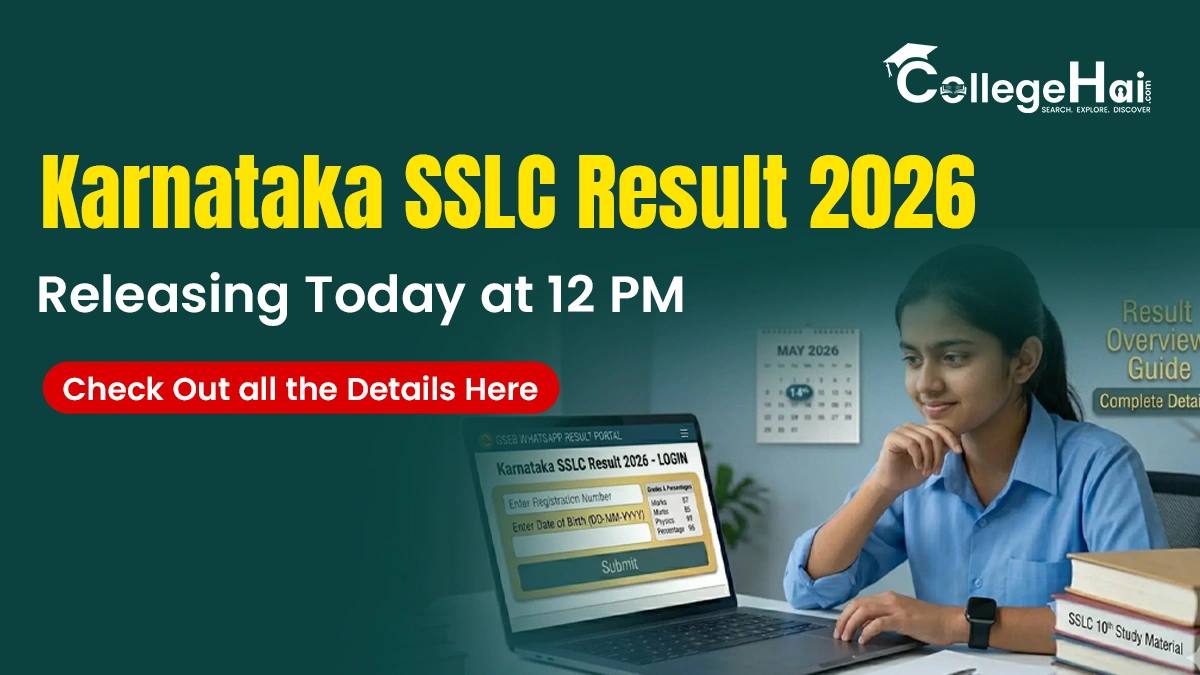
The Karnataka School Examination and Assessment Board is expected to announce the Secondary School Leaving Certificate (SSLC) results today at 12 PM. Students who appeared for the KSEAB Class 10 exam between 18th March and 2nd April can check their results on the official website, karresults.nic.in and kseab.karnataka.gov.in. More than 9 lakh students had registered for the SSLC examinations this year, while over 8 lakh candidates had appeared for the exams conducted across the state.
Once the results are out, students must input their Unique registration number and date of birth to get their digital score card. To qualify for the Karnataka SSLC exams 2026, students must secure a minimum of 35% marks in each subject.
How to Check the KSEAB SSLC Results 2026?
After the results are declared, students can download the Karantaka Class 10th result by following the steps given below:
- Step 1: Candidates must visit the official website: karresults.nic.in or kseab.karnataka.gov.in.
- Step 2: Once the website opens, candidates must find and click on the SSLC Examination-1 result 2026 link.
- Step 3: Students must enter their unique registration number and date of birth as printed on the hall ticket.
- Step 4: Click on the ‘Submit button.’
- Step 5: The Karnataka SSLC marks will appear on the screen. Students can download and save them.
How to check Karnataka SSLC results 2026 on Digilocker?
In addition to downloading the results from the website, students can download the results from Digilocker as well. They must follow the steps given below:
- Step 1: Visit the Digilocker official website at digilocker.gov.in
- Step 2: Once the application is opened, students must log in and enter the required details.
- Step 3: Students must create a six-digit security pin and click on the ‘Submit’ button to set a username and password.
- Step 4: Now, click on the ‘Karnataka board’ under the education tab and then on ‘Karnataka SSLC exam result 2026.’
- Step 5: Next, students will sign in using their Aadhar card number.
- Step 6: Once the students put in the Aadhar card number, the marksheet will appear on the screen.
- Step 7: Students should download the marksheet for future reference.
Details Mentioned in Karnataka SSLC Result 2026
Below is a list of details that students need to verify after downloading the marksheet. This is important to avoid any issues during admissions and document verification. Here are some of the points that students need to check
- Student’s Name
- Roll Number
- Subject-wise Marks
- Total Marks
- Grades
- Qualifying Status (Pass or Fail)
If there is any discrepancy in the marksheets, students should immediately contact the school authorities or the KSEAB helpline for correction.