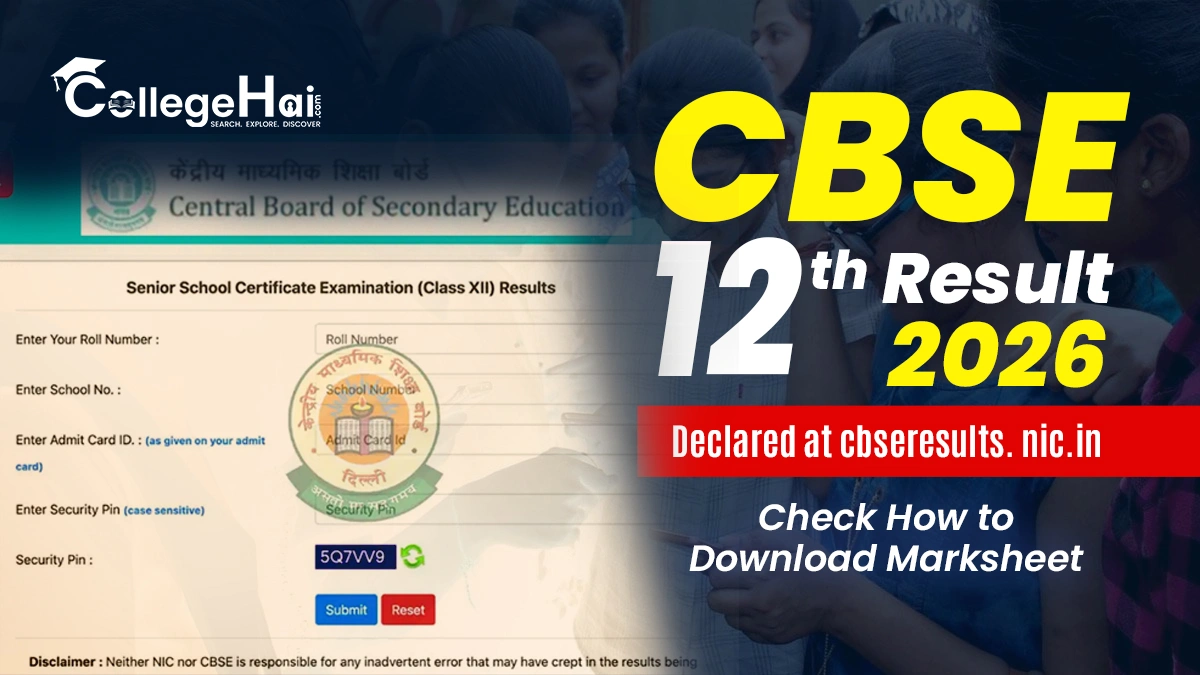
The Central Board of Secondary Education (CBSE) has officially declared the CBSE Class 12 Result 2026 today, May 13. Students who appeared for the Class 12 board examinations can now access their marksheets online through the official websites. The result has also been made available on DigiLocker and the UMANG application for easier student access.
The overall pass percentage has been recorded at 85.20% this year. As per records, a total of 17,80,365 students enrolled for the examination, out of which a total of 17,68,968 appeared for the examination. A total of 15,07,109 students passed the examination.
However, last year’s pass percentage stood at 88.39%, where 14,96,307 students passed the test, which shows a 3.19% of drop in overall percentage as compared to 2025.
CBSE Class 12th Result: Key Highlights
Candidates are advised to check the table given below, as it mentions some important information as follows
Students can follow the steps mentioned below to download their results:
Step 1: Visit the official website cbseresults.nic.in or cbse.gov.in
Step 2: Click on the CBSE Class 12 Result 2026 link on the homepage
Step 3: Enter roll number, school number, and admit card ID
Step 4: Click on the submit button
Step 5: The CBSE 12th Result 2026 scorecard will appear on the screen
Step 6: Download and save the marksheet for future reference
How to Download Results Through UMANG?
Candidates are advised to check the given steps to easily download the result through the UMANG app as follows:
Download the UMANG App
Login using Mobile Number
Search for the CBSE
Click on the CBSE 12th Result Link
Enter name and Roll number
Submit all the details
Result will be displayed on the screen
Download and save it
How to Check Results Through DigiLocker?
CBSE has informed students that digital marksheets and passing certificates are also available through DigiLocker. Students can log in using their registered mobile number and access their documents online. Schools have also been provided access codes to help students activate their DigiLocker accounts.
The process of downloading results through the DigiLocker is mentioned below:
Download the Digi Locker App.
Log in by filling out the personal details such as Username and Password.
Go to the Profile section and sync the Aadhar Number.
Sahil Negi is a passionate and well-skilled content writer with experience as a freelancer in content writing. He provides helpful,stratgic and engaging content which shows his ambitious nature towards his work in content writing.Read More